


One Button Studio
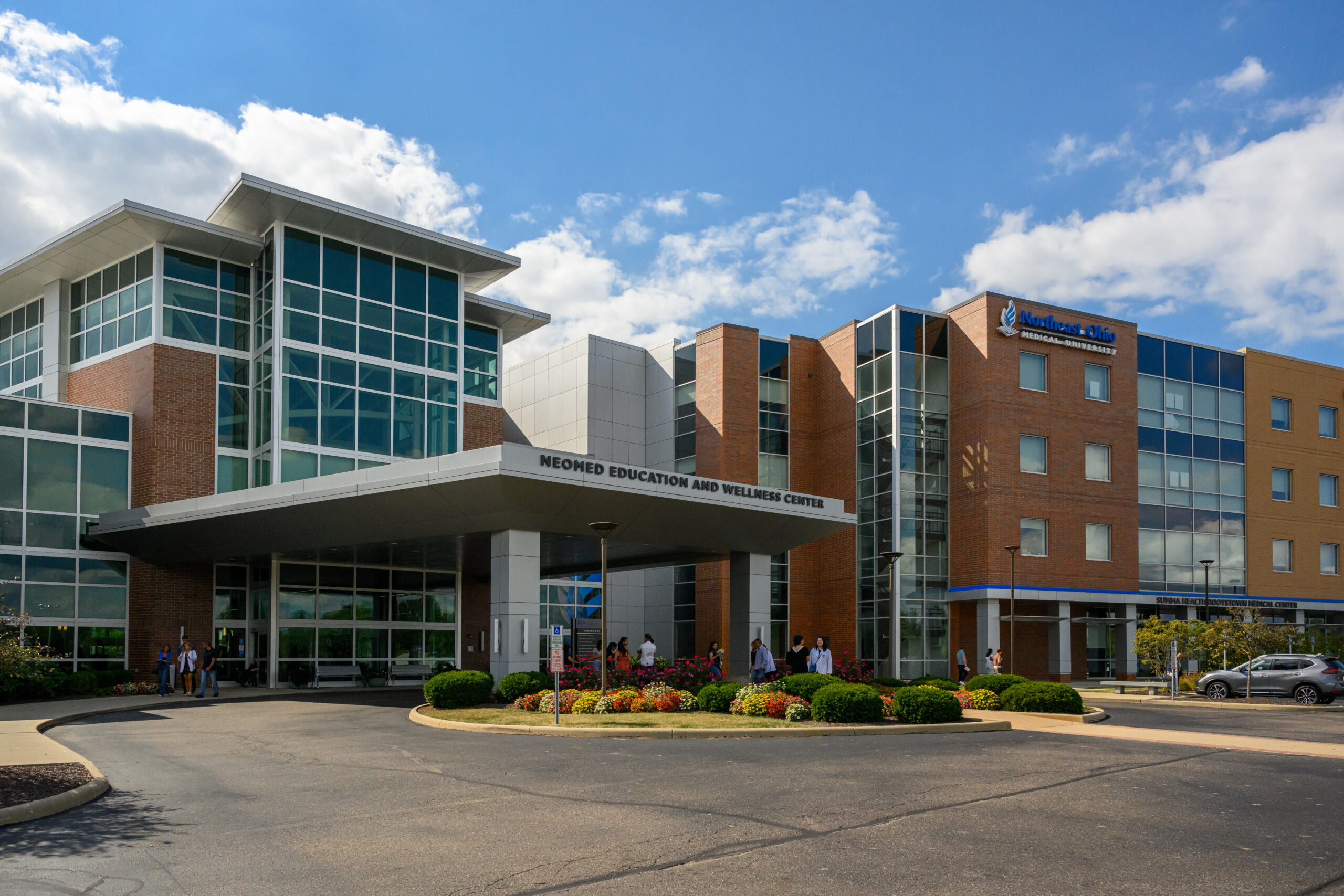
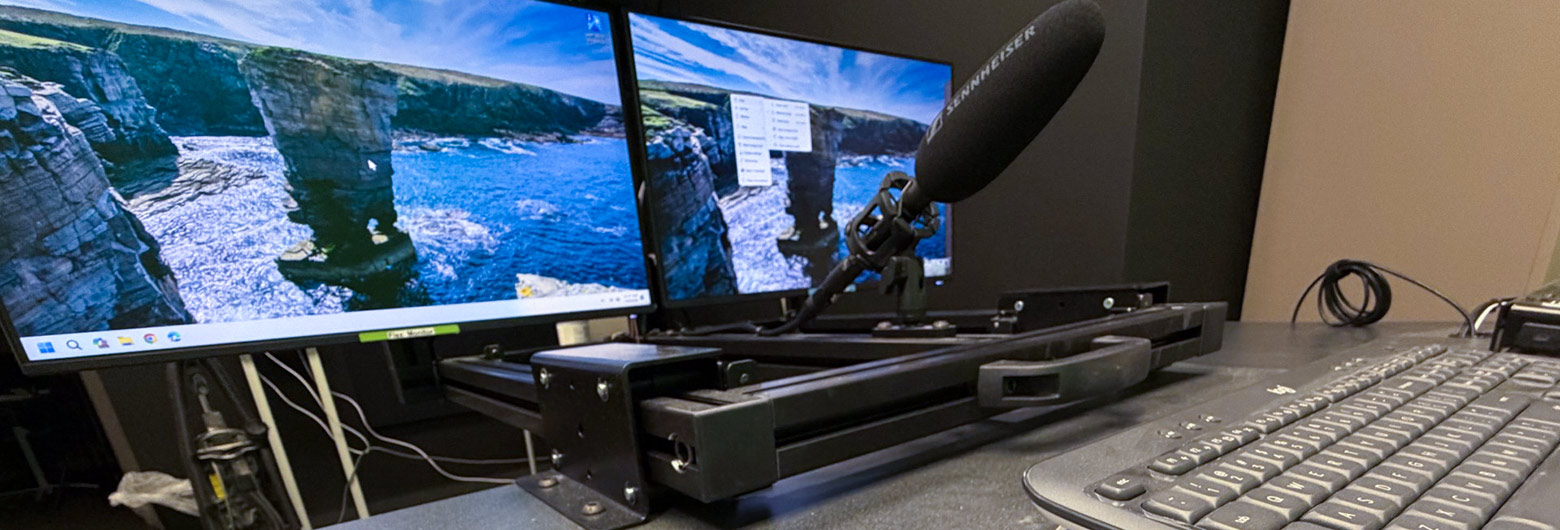
The One Button Studio allows NEOMED faculty, staff and students to record high-quality video presentations without needing technical expertise. The studio is located on the second floor of the NEW Center, across from the side entrance to Cook Alumni Hall.
Reserve time in the studio
👉 Reservations are required to reserve the studio. There is no cost.
How it works
- Turn on the display if needed
- Insert your USB drive
- Open your PowerPoint, PDF or other presentation materials
- Position yourself in front of the camera
- Press the One-Button Studio record button to begin
The system will automatically:
- Start the camera
- Turn on the lights
- Begin recording
- Capture your presentation and video
Tips on presenting:
- Speak clearly and naturally
- Keep presentation concise and clear
- Advance your slides as needed
- Look toward the camera when appropriate
Finish recording & retrieve your video
- Press the button again to stop recording
- Follow the on-screen instructions
- Save you recording to your USB drive
Training sessions offered
The Office of Marketing and Communications will be hosting regular open-house trainings for the One-Button Studio.