


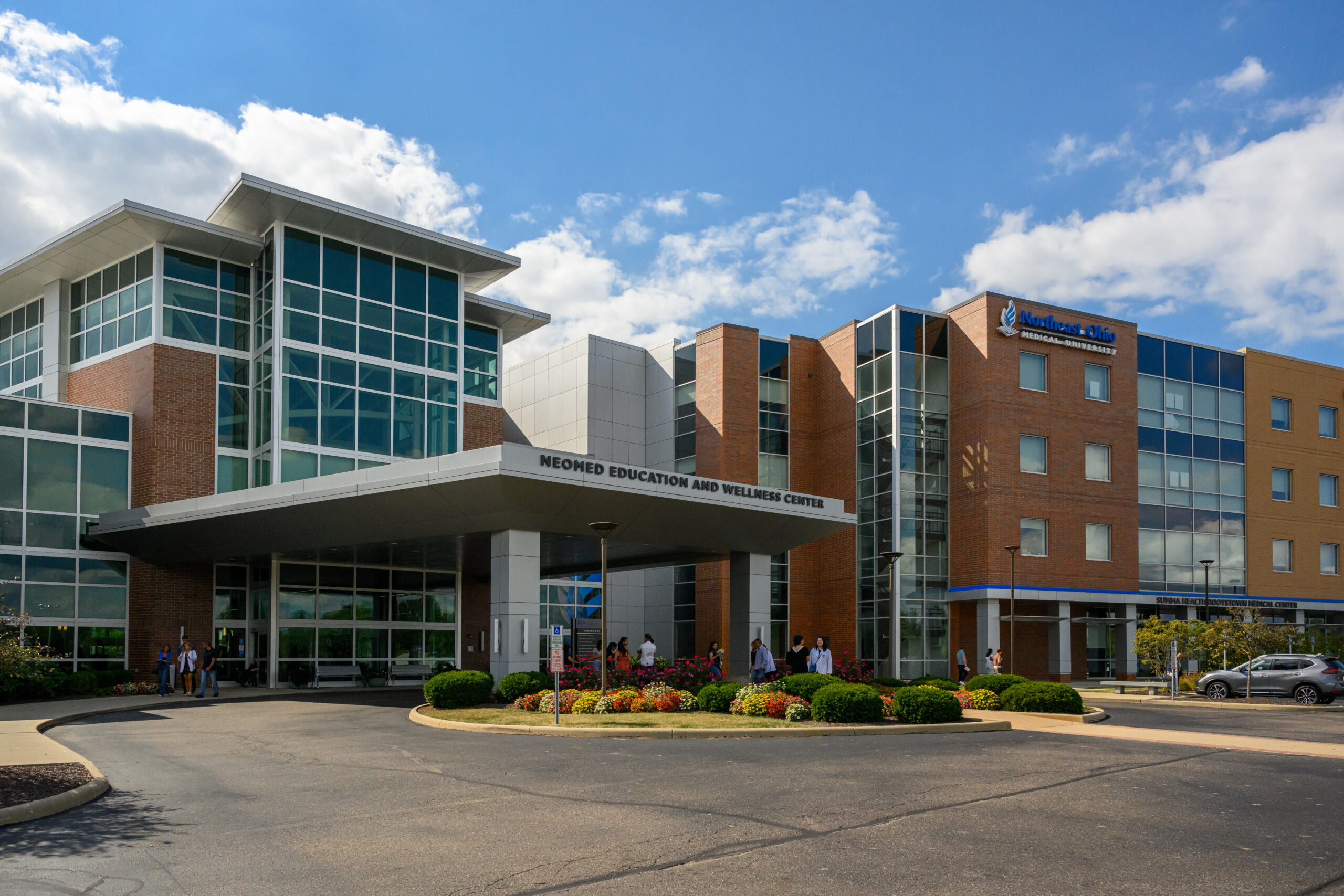
Digital Accessibility at NEOMED
Building a more accessible digital campus
NEOMED’s commitment to an accessible campus supports our Creating Transformational Leaders strategic plan. As part of this commitment, we are taking steps to promote the adoption of standards defined by the new rule on the accessibility of web-based content, an update to Title II of the Americans with Disabilities Act (ADA).
This work includes training to help you create accessible digital content for course materials, syllabi, websites, our intranet, email, social media and other University communications. This page will help you with that important task.
Background
Why is accessibility important?
Digital accessibility means designing, developing and writing Canvas course materials, PDFs, Word documents, applications, email, websites and other digital content so people can use them.
Accessible digital content is essential for people with disabilities, helpful for everyone and reflects NEOMED’s commitment to supporting all members of our community.
Summary of new rule
The ADA.gov fact sheet on the new web accessibility rule gives a plain-language summary of the federal Title II update for digital content. It explains who the rule applies to, what WCAG 2.1 Level AA means in this context and the main exceptions and timelines. Use this page when you want an easy-to-read overview of the rule and what it means for your work.
More:
- The WCAG 2 Overview gives a plain-language introduction to WCAG and explains how the guidelines are organized. It is a good starting point if you are new to accessibility.
- Use the WCAG 2.1 standard when you need the formal requirements. That page lists the specific success criteria used to evaluate accessibility, so it is most useful when you need to check an exact rule.
Start here: Training and tools for faculty and staff
Training
Faculty and staff can now visit a new hub for accessibility training and tools inside Canvas. It offers practical tips, step-by-step guidance and helpful resources for creating more accessible webpages, documents and other digital content.
Go to accessibility tools and training inside Canvas (login required). Look for Section 8, titled “Digital Accessibility Overview.”
Related:
Tools
NEOMED provides tools to help you check whether your content is accessible.
Use this for Word, PowerPoint, Excel:
- Microsoft Accessibility Checker (built into Word, PowerPoint, Excel)
Use this in Canvas:
- Canvas Accessibility Checker (within the Rich Content Editor)
- Panorama (DocHub platform, Canvas integration and Microsoft Word and PowerPoint add-in)
Use this if you are a web editor:
- Equidox or Panorama
Accessibility checkers can identify many common accessibility issues, but passing an automated check does not by itself establish WCAG compliance. Content creators should also review the material for issues that require manual evaluation, such as color contrast.
Frequently asked questions
The new requirements apply to all University-related digital content, including:
- Canvas course materials
- Syllabi
- PDFs and Word documents
- PowerPoint presentations
- Videos and recorded lectures
- Websites and intranet pages
- Digital signage
- Online forms
- Recruitment materials
- Software platforms used in university operations
If it is digital and used for instruction, operations or communication–it must be accessible.
This rule requires the University’s academic course content and web content to be accessible starting on April 26, 2027.
- All newly created or substantively revised digital content must meet accessibility standards before publication or distribution.
- Previously created content that remains archived and unused does not need to be retroactively fixed.
- However, once previously created materials are reused, updated or redistributed, they must be brought into compliance.
Federal regulations require public institutions of higher education to ensure digital content is accessible to individuals with disabilities under the Web Content Accessibility Guidelines (WCAG).
As a public university, NEOMED must comply with these standards. Beyond compliance, accessibility reflects our commitment to Integrity, Collaboration and Excellence.
The Web Content Accessibility Guidelines (WCAG) are internationally recognized standards that define how to make digital content accessible to individuals with visual, auditory, motor, and cognitive disabilities.
In practical terms, WCAG ensures that digital materials can be:
- Read by screen readers
- Navigated by keyboard
- Understood with clear structure and contrast
- Accessed with captions or transcripts when audio/video is used
Report an accessibility issue
We are working to ensure that our digital content is accessible to all users. If you encounter a barrier anywhere, please let us know!
Need help?
Related to course materials: Contact the Institute for Teaching Excellence at [email protected].
Related to neomed.edu: Contact Marketing and Communications at [email protected].
Contact
For students
Email: [email protected]
For employees
Email: [email protected]
Website accessibility
Email: [email protected]